
📚 Tutorials
SounderPy tutorials are task-oriented guides designed to teach complete workflows. They complement the API/reference pages by showing how commonly used features fit together in practice.
If you are new to SounderPy, begin with Plot Appearance & Accessibility or Working with Data Sources, then continue to the more specialized plotting and workflow tutorials.
SounderPy Tutorials
Tutorial Overview
🎨 Plot Appearance & Accessibility
Compare light and dark plot themes, color-deficiency-friendly sounding colors, figure resolution, and saved output.
🗺️ Maps & Radar
Control the map inset, map zoom, single-site WSR-88D reflectivity, recent radar mosaics, and radar timing.
🧪 Parcel Settings
Learn the difference between default, simple, and custom parcel configurations, including SounderPy’s parcel-code structure.
🌀 Hodograph Options
Work with ground-relative and storm-relative hodographs, Bunkers storm motions, custom storm motion, and hodograph boundary overlays.
🌎 Working with Data Sources
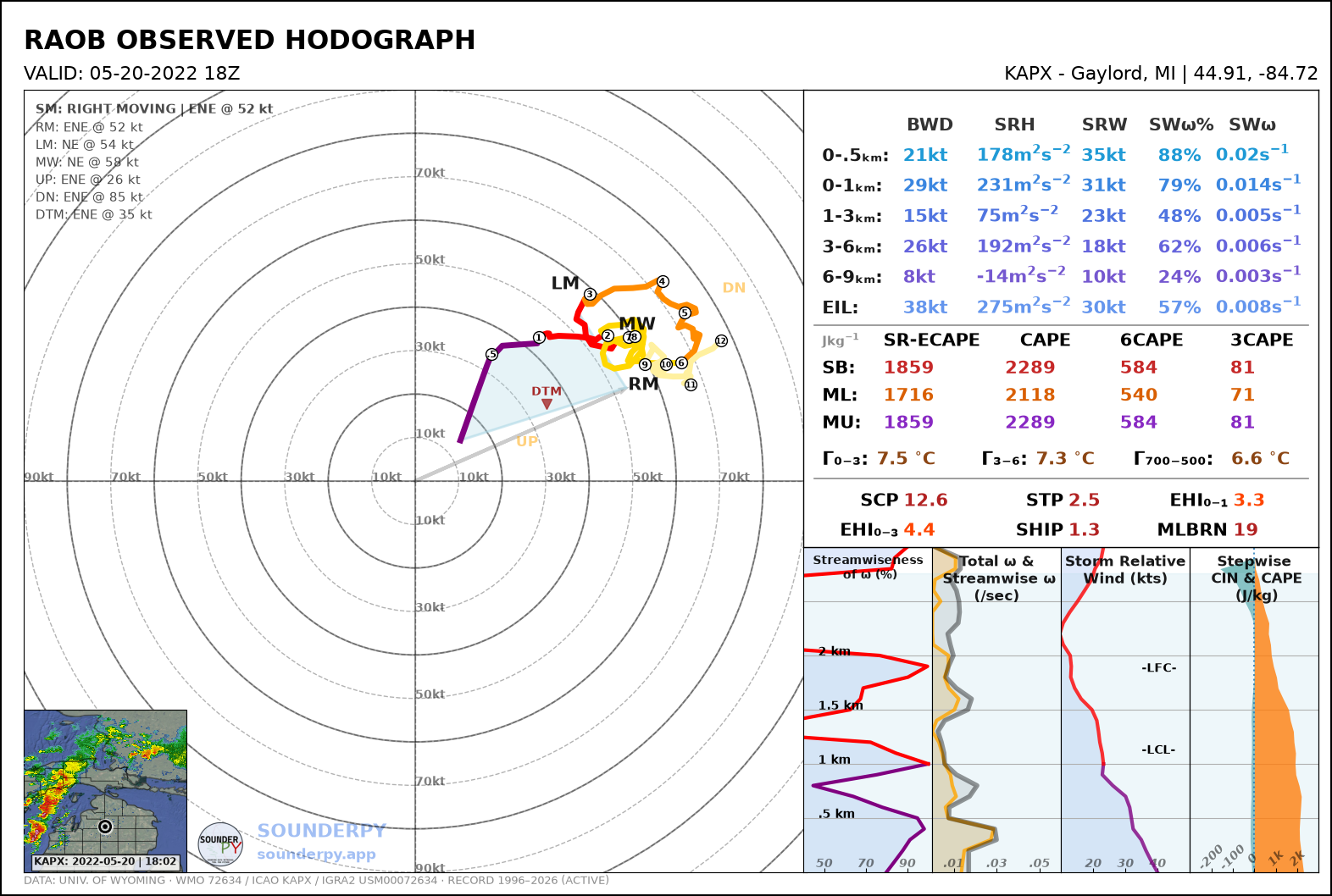
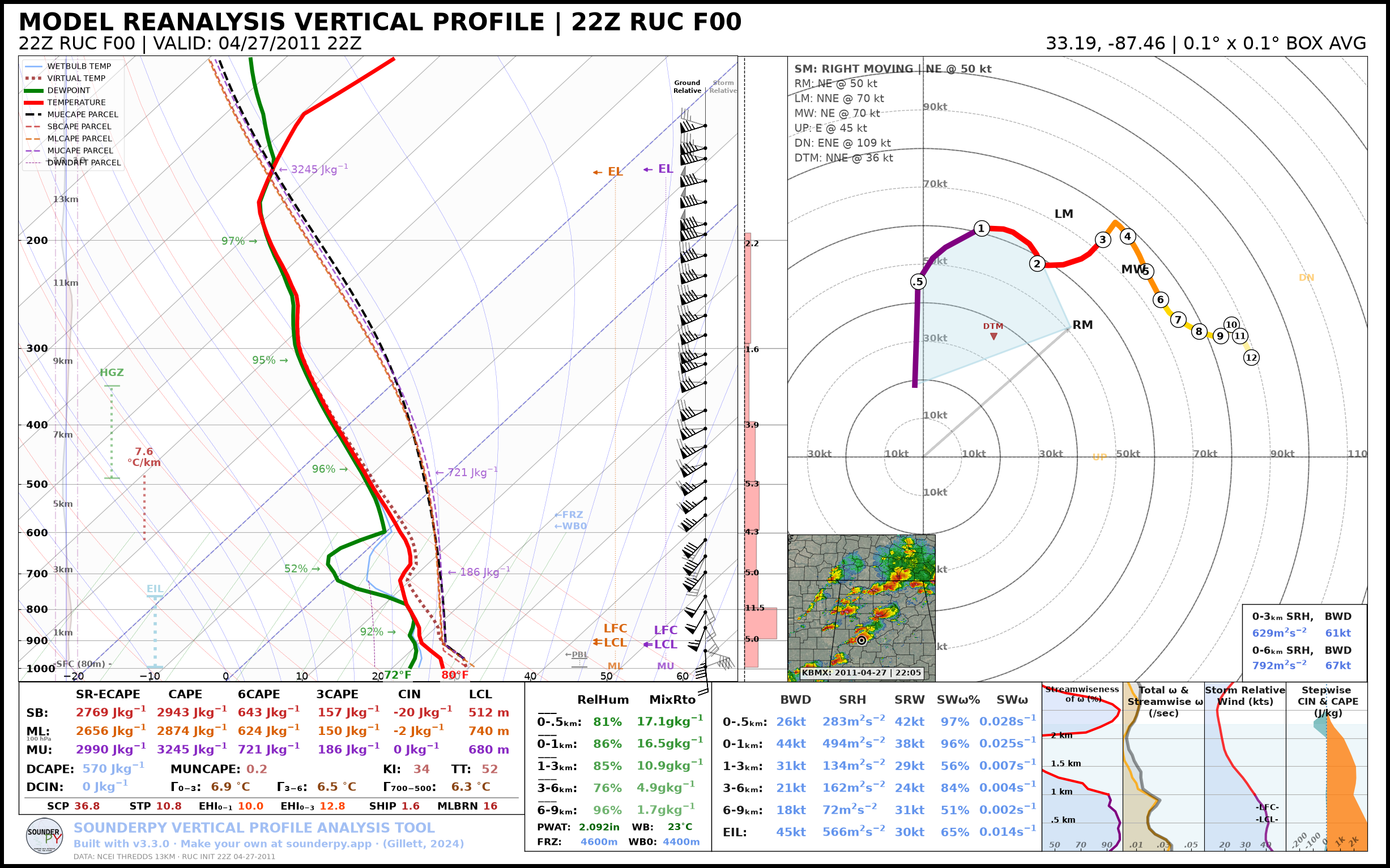
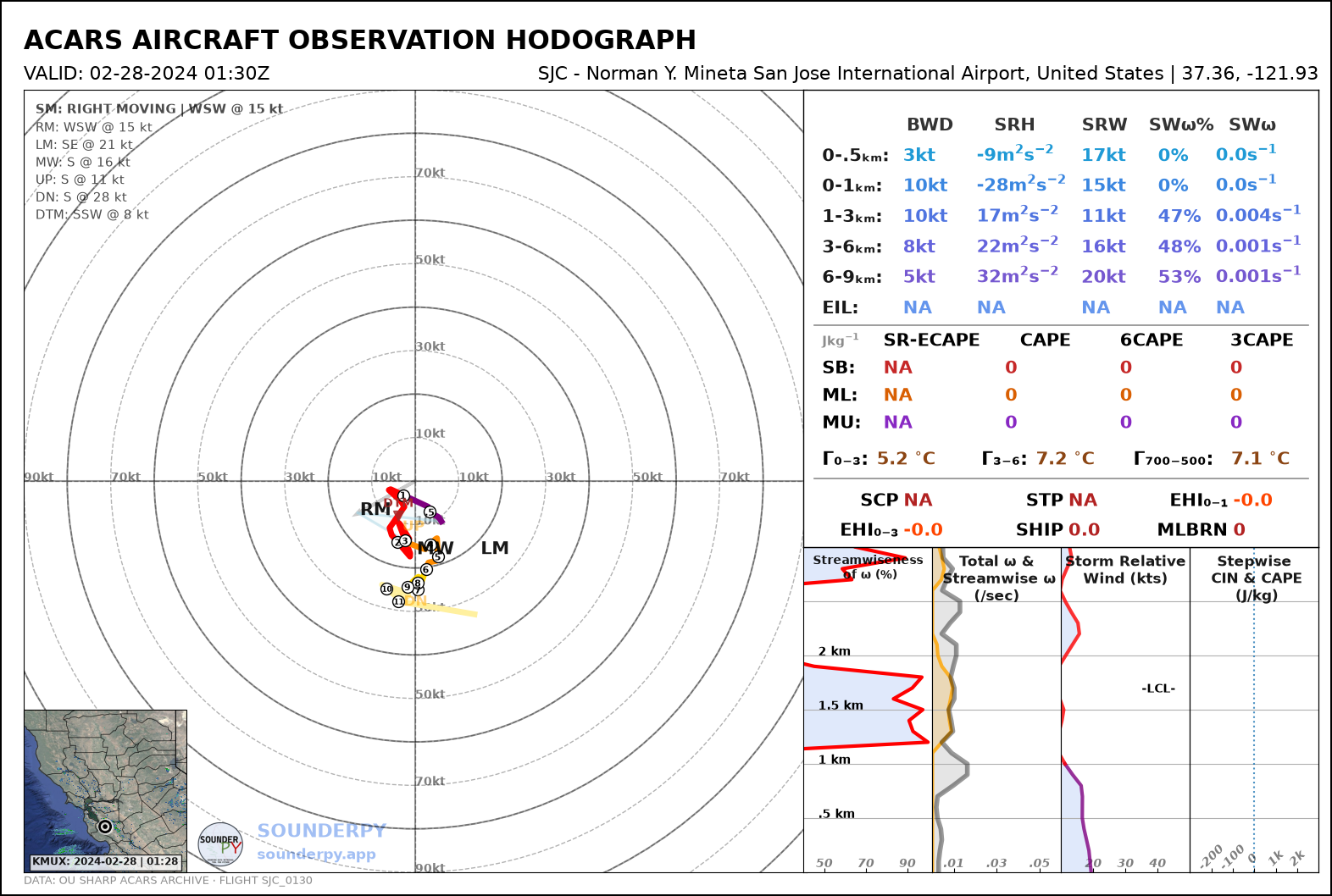
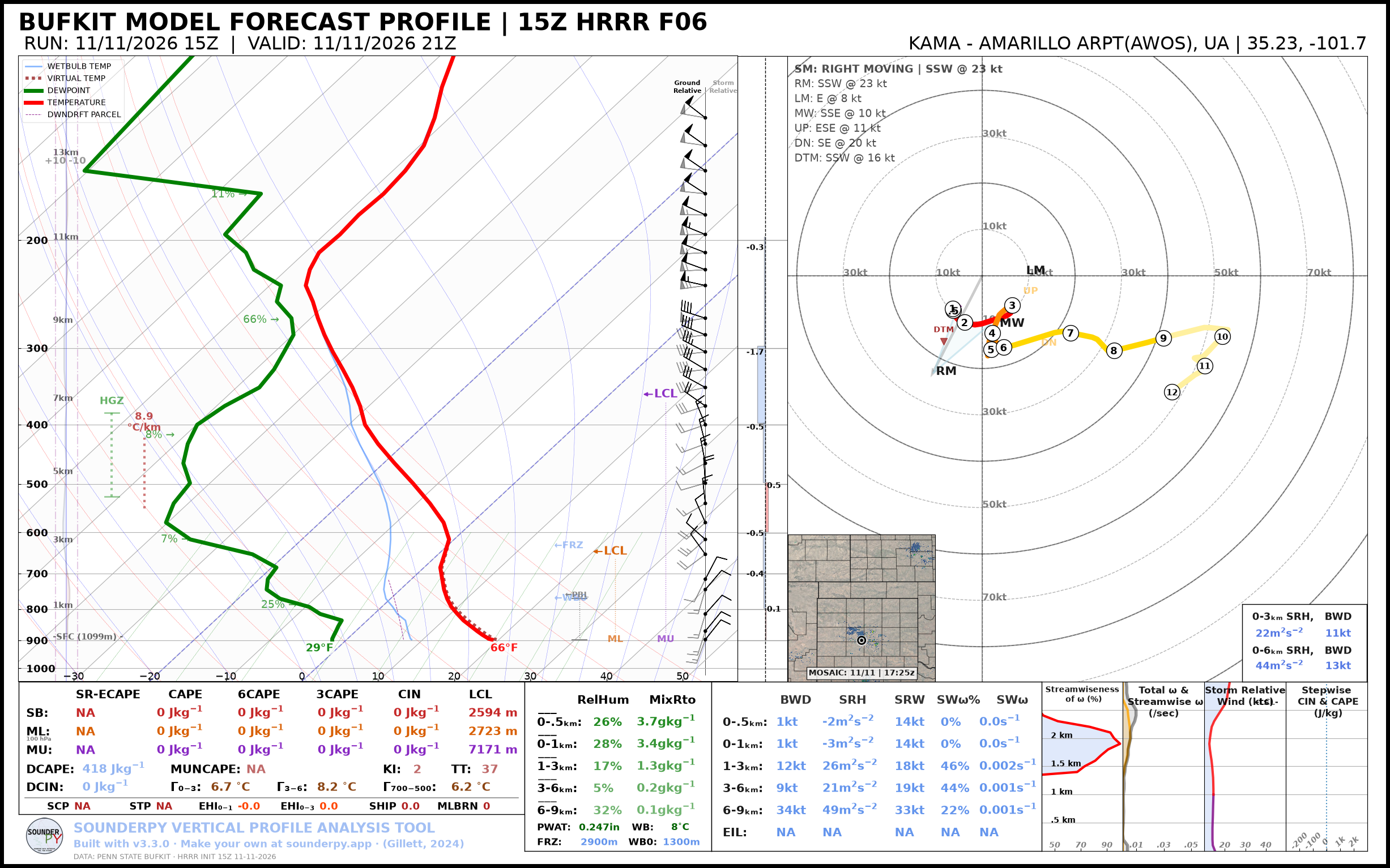
Retrieve RAOB, RAP/RUC, BUFKIT, and ACARS profiles and understand the common
clean_data structure that allows the same plotting and analysis tools to
work across different sources.
📚 Composite Soundings
Compare profiles through time or across datasets using build_composite(),
including custom colors, line styles, opacity, and shading.
💾 Exporting Data
Export clean_data profiles to CSV, SHARPpy, and CM1 formats and understand
when each format is useful.
❄️ Winter Soundings
Make a winter sounding from BUFKIT, RAOB, or ACARS data, let SounderPy choose between the severe and winter soundings, add the latest surface observation, and tour every part of the winter figure.
💻 Command Line Workflows
Use the SounderPy CLI for retrieval, plotting, export, JSON output, shell redirection, and simple batch workflows.
Example Notebooks
Runnable Jupyter notebooks with the same workflows, one data source or figure type at a time.
Data Retrieval Examples
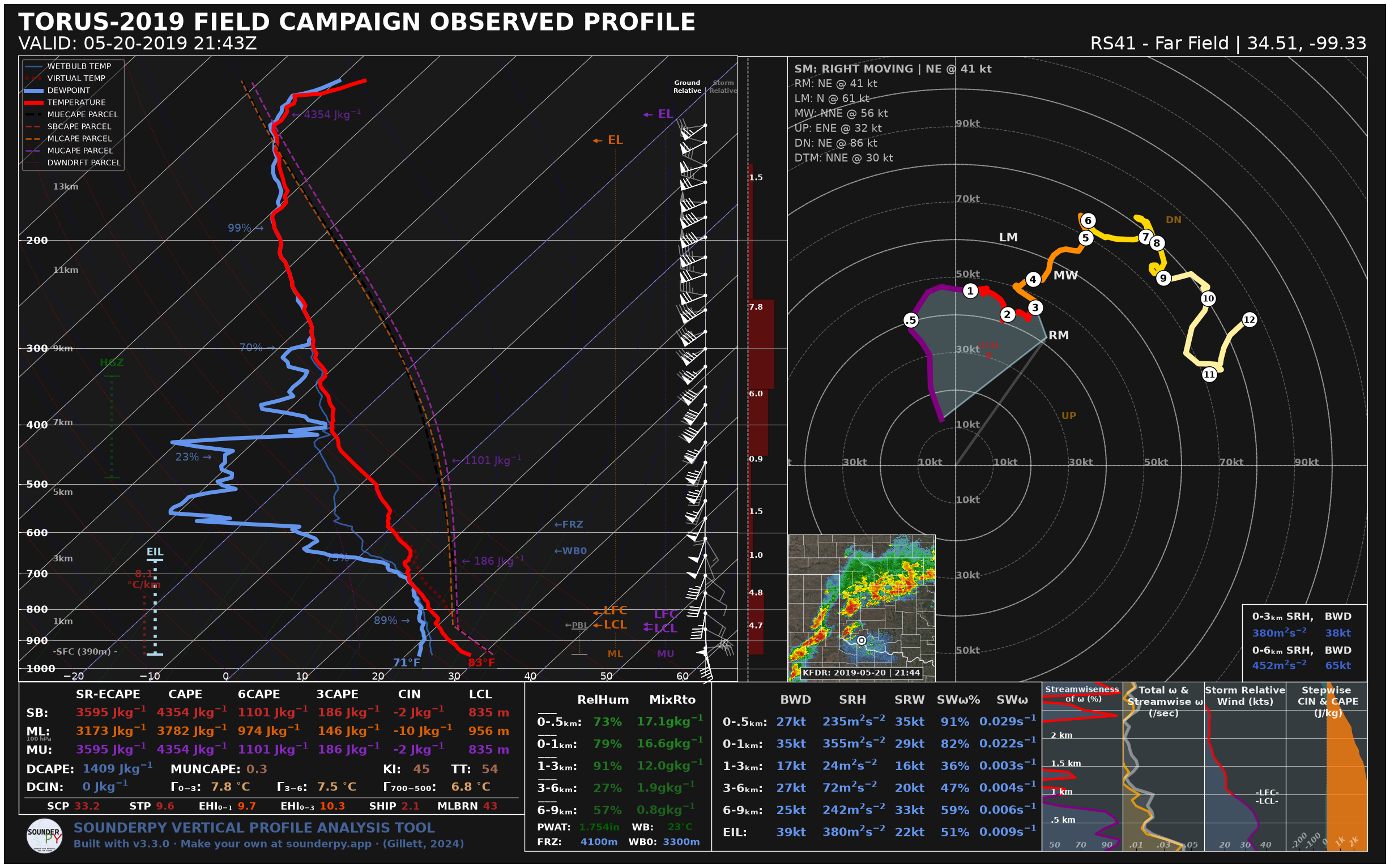
Plotting Examples
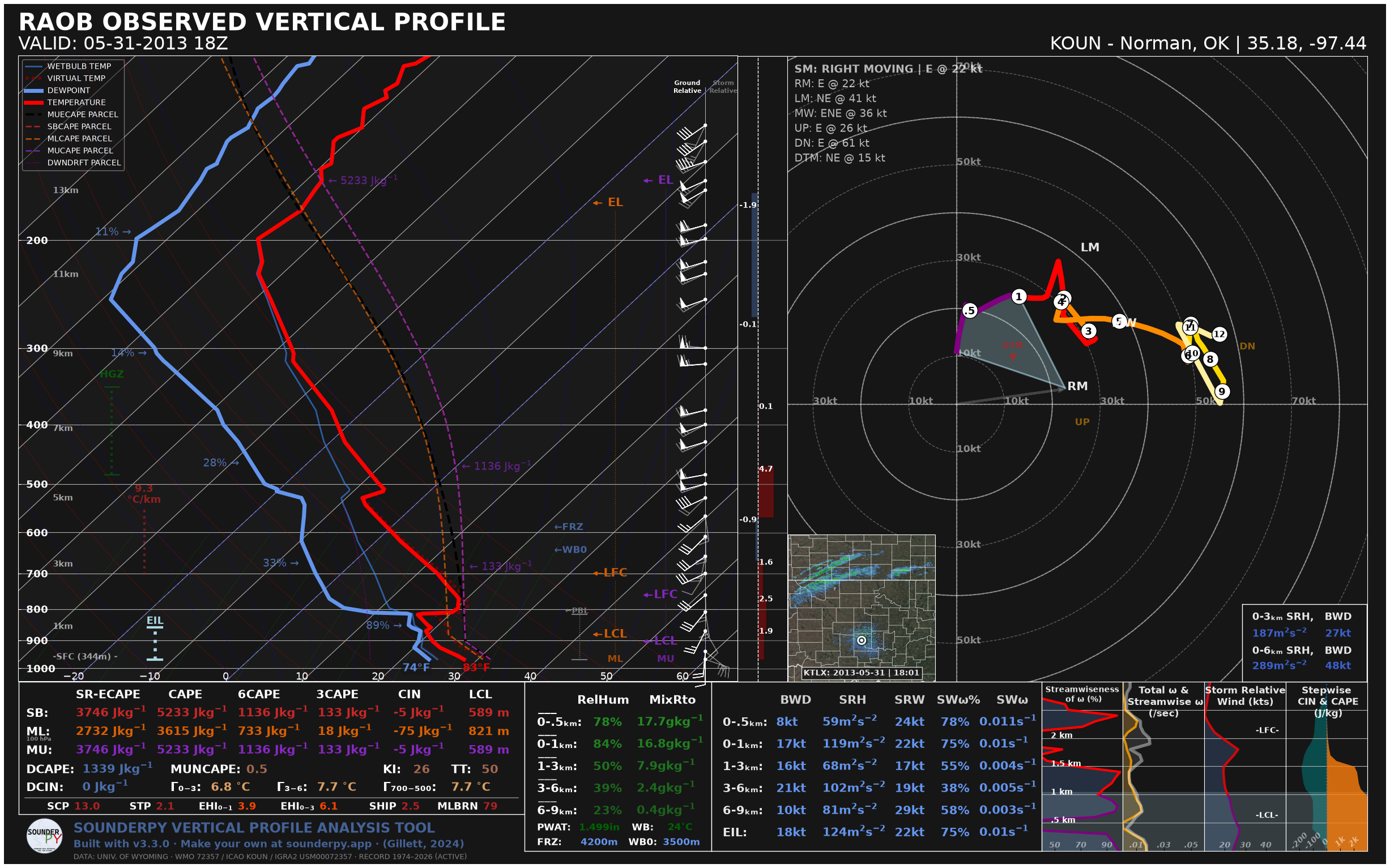
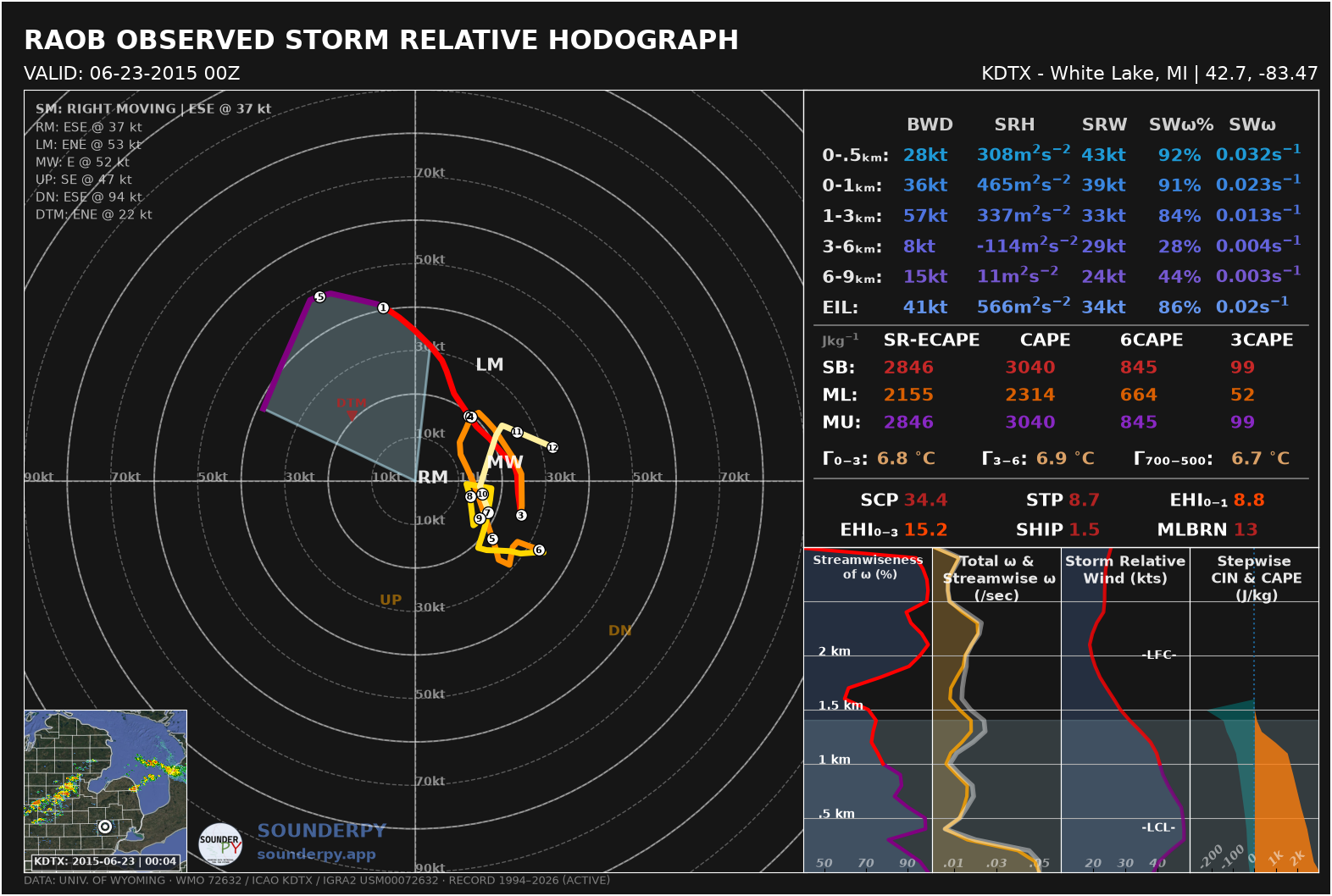
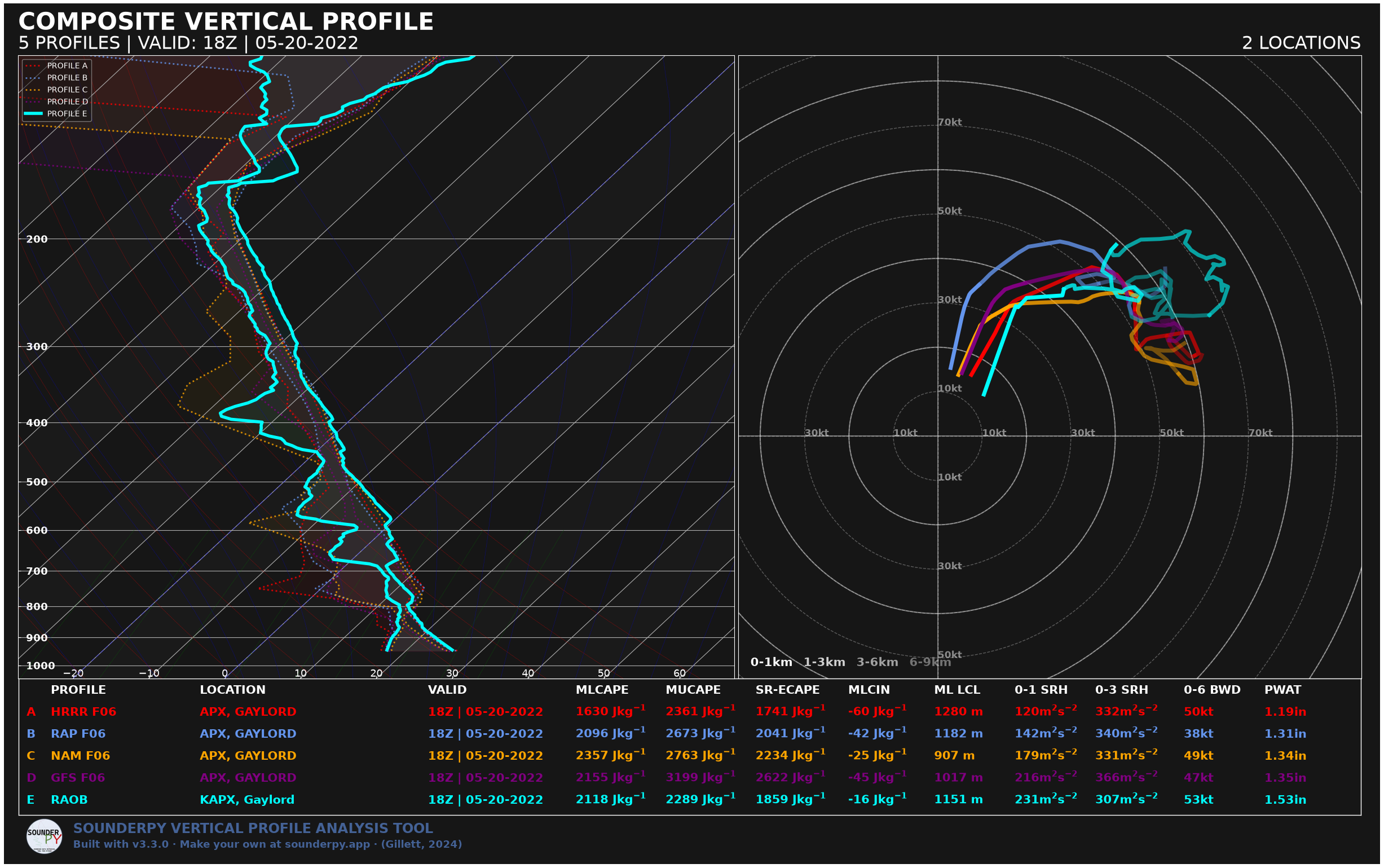
Gallery Figures
See the Plot Gallery for a visual overview of the generated examples.